Guide
Wireless Building Controls: What to Inventory First
The devices, network details, and documentation to inventory before evaluating a wireless building-control project.
Updated
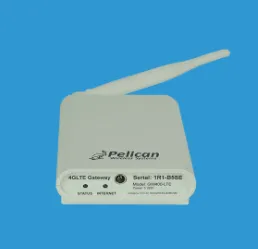
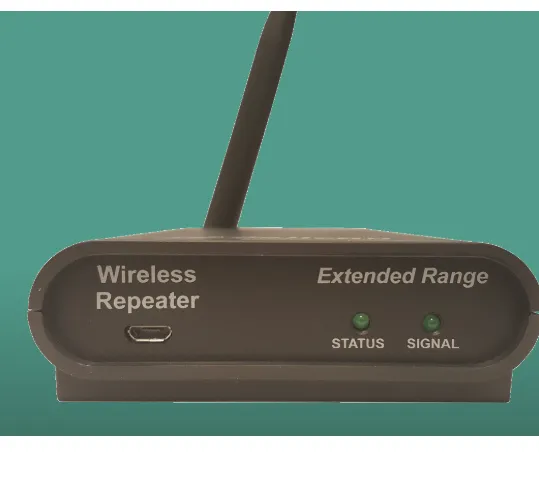
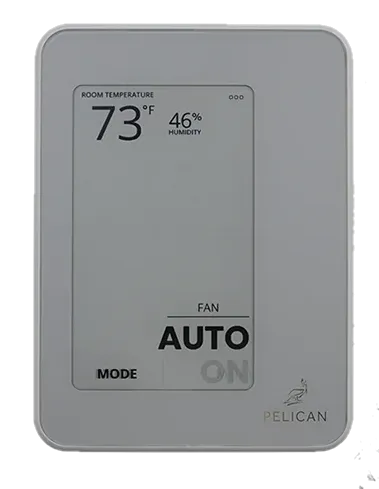
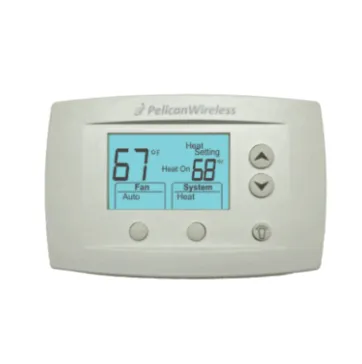
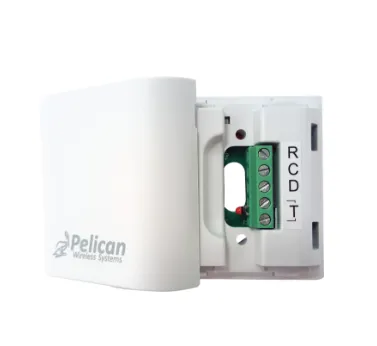
Wireless building-control projects are evaluated as a coordinated system rather than a single thermostat swap. In a mesh architecture - for example, a Pelican gateway, repeaters, and wireless thermostats - each device plays a defined role, and coverage depends on distance and building construction. Before comparing options, take a careful inventory of the devices, network, and access details already in place.
1. Inventory gateways and controllers
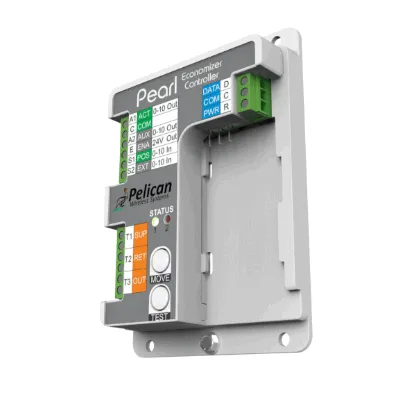
List every gateway, equipment controller, and repeater on the site with model number, firmware version if visible, and physical location. These devices form the backbone of the system, so a change at one point can affect the others. Capture how each connects upstream:
| Role | What it does | Record |
|---|---|---|
| Gateway | Bridges the wireless mesh to the LAN/internet | Model, IP or DHCP, uplink port |
| Repeater | Extends RF coverage between devices | Model, location, powered outlet |
| Equipment controller | Sequences a specific unit | Model, controlled equipment |
2. List sensors and end devices
Record every thermostat, remote temperature/humidity sensor, CO2 or occupancy sensor, and relay/output device on the mesh. Note where each is installed, what it controls or measures, and its power source (hardwired 24 VAC C, or battery). Battery-powered end devices need a maintenance plan, so flag them during the inventory.
3. Document the network, RF coverage, and addressing
Capture how the devices communicate and where coverage may be marginal:
- Uplink: how the gateway reaches the network (wired Ethernet, existing Wi-Fi, or cellular) and whether it needs a static IP or specific outbound ports/cloud access.
- RF path: approximate distances between devices and any walls, metal, or mechanical rooms that attenuate signal. Note where a repeater is doing the heavy lifting.
- Any wired segments: for example, an RS-485 bus running BACnet MS/TP or Modbus back to a controller.
- Addressing: device IDs or network addresses so duplicates or gaps are visible.
Coverage assumptions are easy to get wrong without a site record; a quick floor sketch with device locations pays off.
4. Gather account and access details safely
Identify the accounts, portals, or credentials used to manage the system, but do not include passwords, PINs, API keys, or access codes in shared documents or photographs. Record who administers the system, how access is granted, and which portal or app is used. Remove or redact sensitive information before sending anything for review.
Confirm the complete application with qualified project personnel before ordering or changing installed controls. Guidance on this site organizes a review; it is not a compatibility determination or engineering approval. Send project details to sales@coldaircentral.com for assistance.