Application
Remote Temperature Sensing & Averaging
Measure temperature away from the thermostat or combine supported sensing locations for a shared space.
Remote sensing lets a compatible controller use a temperature reading from somewhere other than its own wall location. Averaging combines supported sensing locations to provide a representative reading for a shared control zone.
Product options
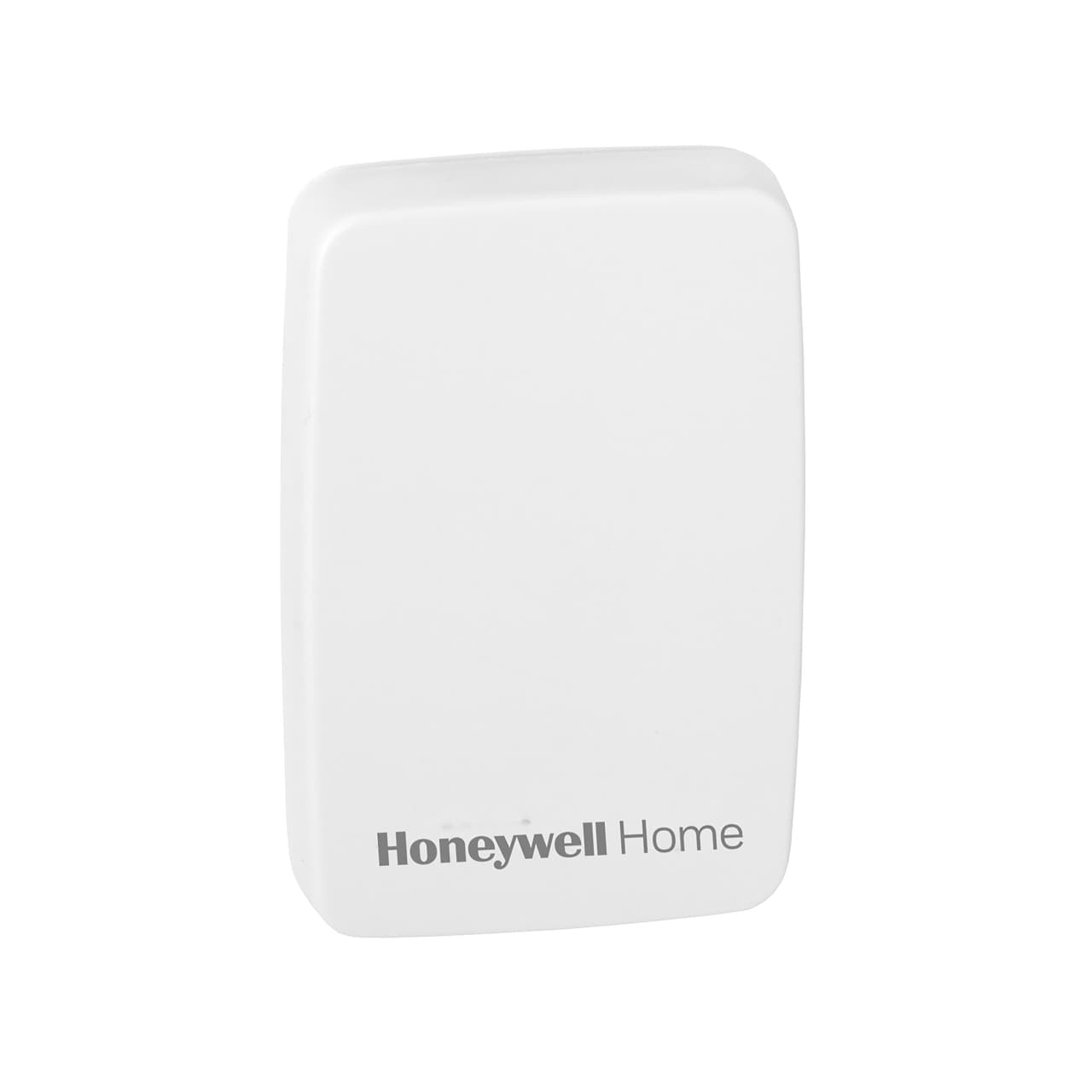
- C7189U1005: wired indoor temperature sensing, used individually or in the manufacturer's documented averaging network with a compatible thermostat.
- C7189R1004: wireless indoor sensing for compatible RedLINK 2.0 thermostats. Supported configurations can use local, remote, or averaged readings.
- Pelican RT1-DC: a battery-powered remote sensing and adjustment interface for compatible Pelican master controls, with weighted averaging through the Pelican system.
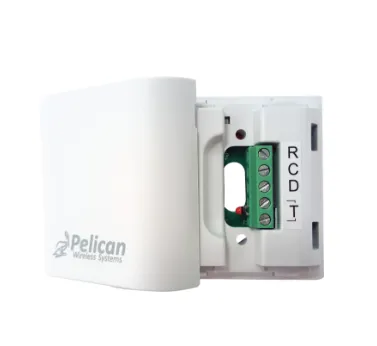
- Pelican TA1: a wired accessory for a compatible Pelican device, providing an additional temperature or contact input depending on configuration.
Before selecting
Start with the exact thermostat or controller model. Check sensor type, supported quantity, wiring or wireless requirements, and the available averaging settings. Place room sensors where they represent the occupied space, away from direct sun, drafts, and local heat sources.
Wired sensors with similar appearances can have different resistance characteristics. Wireless sensors also require the correct receiver and protocol. Neither physical fit nor a shared manufacturer name proves compatibility.
Averaging changes the temperature used to control a zone. It does not add independently operated dampers or separate heating and cooling calls. For that requirement, see Commercial HVAC Zoning.